


Cloud Computing
Right Cloud Backup Service for Business
In today’s digital world, data is the backbone of modern society—it powers decisions, innovations, and even the way businesses, organizations, and individuals operate.
Whether it's for management, marketing, or production, having access to a large volume of data at the right time is crucial. But what happens when you don’t have the data you need, when you need it most?
If it suddenly disappears, the consequences can be severe, leading to downtime, lost revenue, and damaged trust.
That’s exactly why cloud backup exists—to make sure you’re never caught off guard when disaster strikes. But with so many options out there, how do you know which service is the right fit for your business?
Understanding the Cloud Backup Landscape
The world of data storage and protection has evolved tremendously. Gone are the days when businesses solely relied on physical servers, USB drives, or external hard disks for backing up critical data. These methods, while useful in the past, are prone to theft, natural disasters, hardware failure, or simply human error.
Cloud backup solution that has completely transformed how businesses approach data resilience. Cloud backup is essentially a modern method of storing copies of your data on remote servers that you access via the internet. Think of it as having a super-secure vault in a bank, except this vault can grow as your needs grow and can be accessed anywhere in the world.
From a small business looking to secure customer records to a large enterprise protecting terabytes of sensitive files, cloud backup levels the playing field by providing enterprise-grade features to everyone.
Cloud Backup Use Cases
Cloud backups are incredibly versatile and can solve a variety of business challenges:
Business Continuity and Disaster Recovery: Imagine a scenario where your office experiences a fire, flood, or cyberattack. Without backups, you could lose months—if not years—of work. With cloud backup, you can restore everything quickly and keep your operations running.
Ransomware Recovery: Cyberattacks are more sophisticated than ever. Ransomware can lock you out of your own files unless you pay a hefty fee. With cloud backups, you can simply wipe your infected systems and restore clean versions from the cloud—no ransom required.
Compliance and Legal Requirements: If you’re in industries like healthcare or finance, you know how serious data compliance laws can be. Cloud backup providers often help meet regulations such as HIPAA, GDPR, and more by keeping audit trails and retention policies.
Remote and Hybrid Workforces: Teams today are no longer confined to office cubicles. Whether your employees are working from home, a cafe, or another continent, cloud backups ensure their work is protected and accessible.
Data Archiving: Not all data is needed every day, but some of it must be preserved for the long term. Cloud services offer “cold” storage for archiving large amounts of data at a lower cost.
In every one of these scenarios, cloud backup doesn’t just save data—it saves time, money, and reputation.
How Does Cloud Backup Work?
Let’s break it down in simple terms:
Initial Full Backup: When you start using a cloud backup service, it first takes a full snapshot of your current data and uploads it to the cloud. This could take a bit of time depending on your internet speed and data size.
Incremental Backups: After the initial upload, only the changes you make to your files (new or updated) are backed up. This saves bandwidth and speeds up the process significantly.
Automation: You don’t need to remember to back up your files every day. Most cloud backup services let you set up automatic schedules—whether daily, hourly, or even in real time.
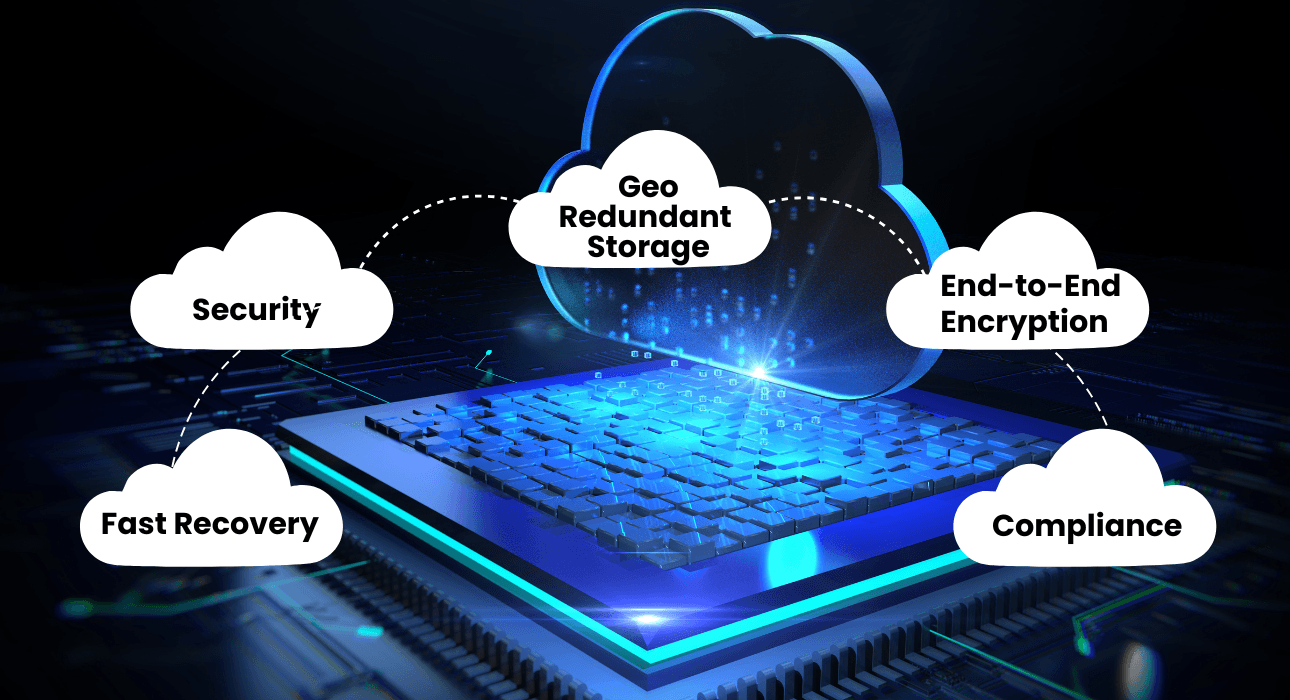
Encryption for Security: Your data is encrypted before it even leaves your device and stays encrypted while stored in the cloud. That means only you—and anyone you authorize—can access it.
Data Recovery: If disaster strikes (say, a ransomware attack or hardware crash), you can quickly restore your files, either entirely or selectively. This can be done with just a few clicks.
It’s like having a digital safety net that quietly protects you in the background while you focus on growing your business.
Key Considerations in Selecting a Provider
When choosing a cloud backup service, it’s not a one-size-fits-all scenario. Your business has specific needs, and your backup solution should reflect that. Here’s what you need to keep in mind:
Data Security: Trust is everything. Make sure your service provider uses encryption (AES-256 is the gold standard), secure data centers, and compliance certifications like HIPAA or ISO 27001.
Scalability: Your data is going to grow—especially with digital transformation. Choose a provider that can scale with you effortlessly.
Recovery Options: The point of backup is recovery. Fast and flexible recovery options are key. Check the Recovery Time Objective (RTO)—it tells you how quickly you can expect to bounce back after a disruption.
Pricing Transparency: Nothing frustrates businesses more than unexpected fees. Make sure you understand the full pricing model—whether it’s per user, per GB, or tiered.
Customer Support and SLAs: What happens when things go wrong at 2 AM? support with clear SLAs (Service Level Agreements) that define their uptime guarantees, response times, and data durability commitments.
Comparing Popular Cloud Backup Solutions
To help you make a more informed decision, let’s look at some trusted providers in the cloud backup space:
1. Veeam Backup
Veeam is a heavyweight in the enterprise backup space. It’s known for its powerful features like instant VM recovery, replication, and robust hybrid-cloud support. Veeam offers Azure Blob storage as a backup repository option with immutable backup.
Best For: Large organizations and MSPs that need deep customization and enterprise-grade protection.
2. Acronis Cyber Protect Cloud
Acronis takes cloud backup to the next level by integrating cybersecurity features like ransomware protection, antivirus, and patch management. It supports over 20 platforms, including physical, virtual, and cloud workloads. It offers multiple pricing models and flexible pricing.
Best For: Enterprises or IT teams that want all-in-one backup and security on a single platform.
Both Above solutions offer on-premises backup as well as the cloud services like MS 365, Azure, etc.
So, what's the next step?
Choosing a cloud backup solution is a big decision—but you don’t have to figure it all out alone. Whether you're leaning toward a simple solution like Backblaze or a more comprehensive platform like Veeam or Acronis, one thing is clear: having expert guidance makes the process faster, easier, and a whole lot less stressful.
That’s where SP IT Solutions LLP comes in.
How SP IT Solutions Can Help
We specialize in helping businesses like yours implement and manage the best-fit cloud backup and storage strategies—without all the tech headaches.
-
Personalized Recommendations – We design a complete solution, we assess your needs, and guide you toward the solution that actually fits your business goals.
-
End-to-End Implementation – From setup to configuration and testing, we handle the technical heavy lifting so you can stay focused on running your business.
-
Ongoing Support – Questions? Issues? Strategy shifts? We’re right here with help of 24/7 support and proactive monitoring to keep your data protected at all times.
-
Compliance-Ready Solutions – We make sure your backup environment aligns with industry regulations like ISO, GDPR, or HIPAA standards.
-
Flexible and Scalable Plans – Whether you’re backing up a few files or managing terabytes of critical data, we’ll design a cost-effective plan that grows with you. Let’s Talk About Your Backup Strategy
Not sure where to start? Or maybe you’re re-evaluating your current setup? Let’s have a quick chat. We'll walk through your current infrastructure, identify any gaps, and recommend a tailored cloud backup approach that makes sense for your team.
Reach out to SP IT Solutions today and take the first step toward bulletproof data protection. Your future self will thank you.
Frequently Asked Questions (FAQs)
Cloud backup follows a pay‑as‑you‑use model. It is far more cost‑effective than buying, maintaining, and upgrading physical backup hardware.
Cloud backups automatically pause and resume once the internet is available again. No data is lost, and the backup continues from where it stopped.
Cloud backups are isolated and immutable, so ransomware cannot modify or encrypt them. You can restore clean data from a previous safe version.
Cloud backup works for everything—from a single laptop to entire server environments. There is no minimum size requirement.